Yealink has just launched a new Partner Program which we’d like to share with you. Consisting of three different partner levels, there’s a status for everyone, all of which come with various benefits.
Number of pieces is based on an estimated sales figure over 12 months, to discuss this with a member of the ProVu team please call 01484 840048 or email contact@provu.co.uk.
Konftel, a manufacturer based in Sweden, has been providing conferencing solutions for over 30 years, and for the last 10 of those years those solutions have been supplied throughout the UK via ProVu.
Unlike other vendors who manufacture deskphones and DECT solutions, whilst also offering conference units, Konftel have spent 30 years focusing only on conferencing solutions, meaning they are able to offer the very best when it comes to quality and performance in your meeting rooms and huddle spaces.
Konftel have developed their patented OmniSound® technology which guarantees powerful and crystal-clear HD sound in both directions of the call, and all directions of the meeting room, with automatic echo cancellation and background noise suppression. They have included this technology in all of their available units.
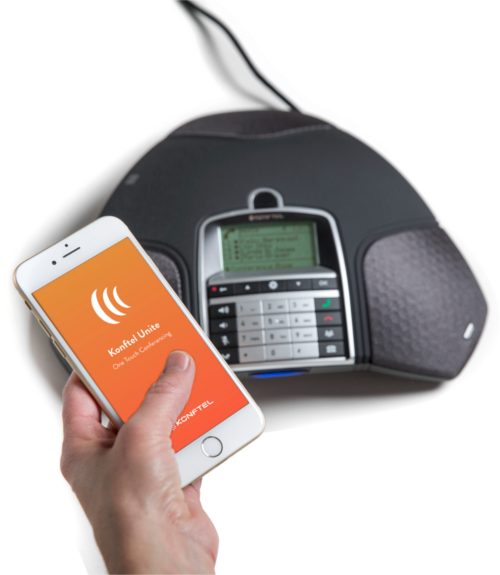
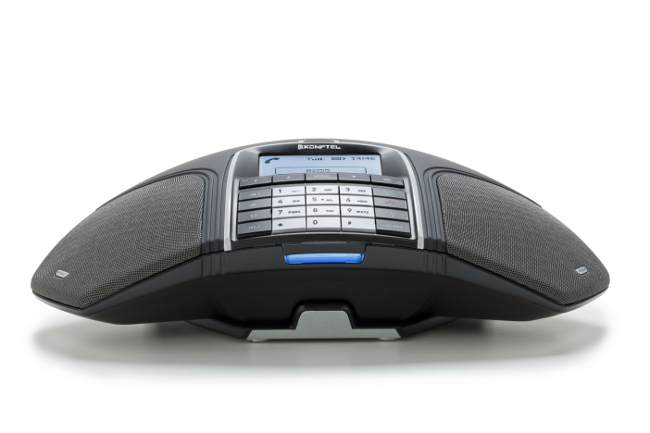
Konftel 300IPx
As Konftel’s flagship conference phone, this device is designed to make hosting and attending conference calls as easy and stress-free as possible. Thanks to the Konftel Unite app, users can manage their conference calls through their mobile phone. The Konftel 300IPx is ideal for small and medium-sized conference rooms for up to 12 people (30 m2) as standard, but, with the ability to connect up to two additional microphones, this solution is expandable for larger parties and rooms. You can add a SIP account directly to the unit and make calls to and from it, or connect it to your PC and use it with your chosen meeting software.
Connections: SIP (PoE), USB
Konftel Unite: Yes
Expansion microphones available: Yes
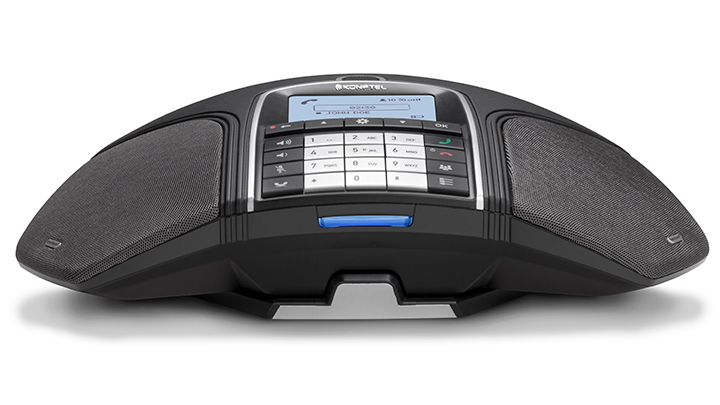
Konftel 300Wx
This unit uses DECT technology to allow you to move your conference calls to wherever it is convenient without having to worry about network or power sockets. Its powerful Li-ion battery gives you up to 60 hours of talktime and is recharged simply by placing the unit back onto its charging base. Like the 300IPx this unit is ideal for small and medium-sized conference rooms, but has expansion microphones available.
Compatible with a range of DECT base stations, the Konftel 300Wx is easily integrated into your existing solutions, and its USB port allows you to use it via your PC with your chosen meeting software.
Connections: DECT, USB
Konftel Unite: Yes (via adapter)
Expansion microphones available: Yes
Konftel 300Mx
The Konftel 300Mx offers you true mobility by allowing you to make calls wherever there is mobile network coverage, and it remains the only conference unit that has this functionality. Simply insert your SIM card and you can start your conference immediately. With support for HD voice when 3G network coverage is available your calls can be as clear as if you were using any other Konftel model. With the expansion microphones as an option this unit allows you to cover larger conference rooms as well as small and medium rooms.
Connections: GSM, UMTS (3G), USB
Konftel Unite: Yes (via adapter)
Expansion microphones available: Yes
Konftel 55Wx
The Konftel 55Wx allows you to turn any communication device into a conference unit, by way of connecting to your PC or mobile phone via USB or Bluetooth, or your deskphone via the included switchbox, which allows seamless switching between your handsets and the 55Wx. Suitable for meeting with up to 20 people the Konftel 55Wx is the ideal add-on solution for an SME’s offices. Its battery allows portability so that you may take your conference calls anywhere.
Connections: Bluetooth, USB
Konftel EGO
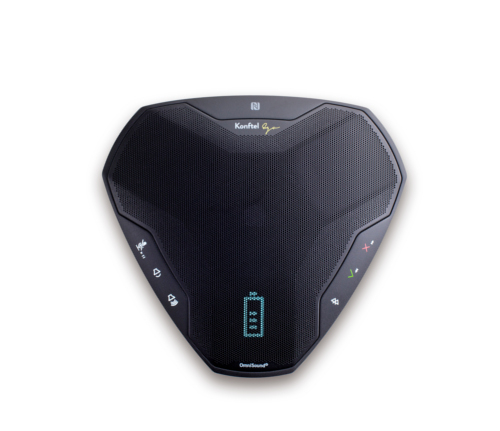
The Ego is Konftel’s smallest unit and is designed for one thing, portability. With a footprint not much larger than that of a CD it is designed to go anywhere and turn anywhere into a conference room. It connects via USB and Bluetooth to your PC or mobile phone, and even includes an NFC chip for instant Bluetooth pairing.
ProSys Management enables resellers to provision any TR-069 setting to their deployed routers using the manufacturer’s provisioning key.
Now with our latest update users have access to the full list of available settings for DrayTek, ASUS and Technicolor routers directly within ProSys – making it much easier to select the settings that are useful to you and your customers.
All ProVu provisioned routers come with one year’s free Management from the date of despatch and there is no setup up fee or minimum charge for using the service. Talk to us about getting started with ProSys Management or to arrange a online demonstration of the service.
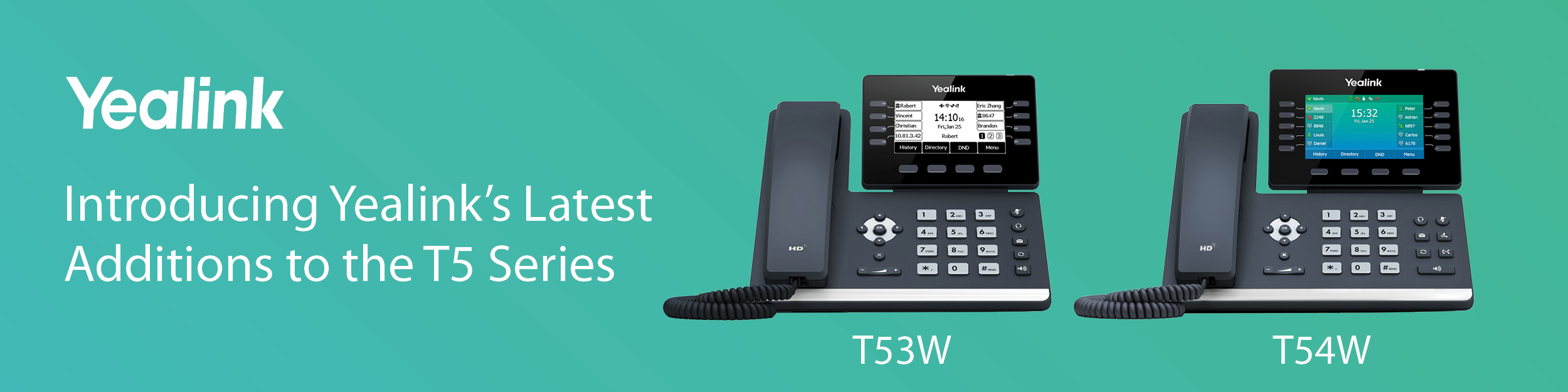
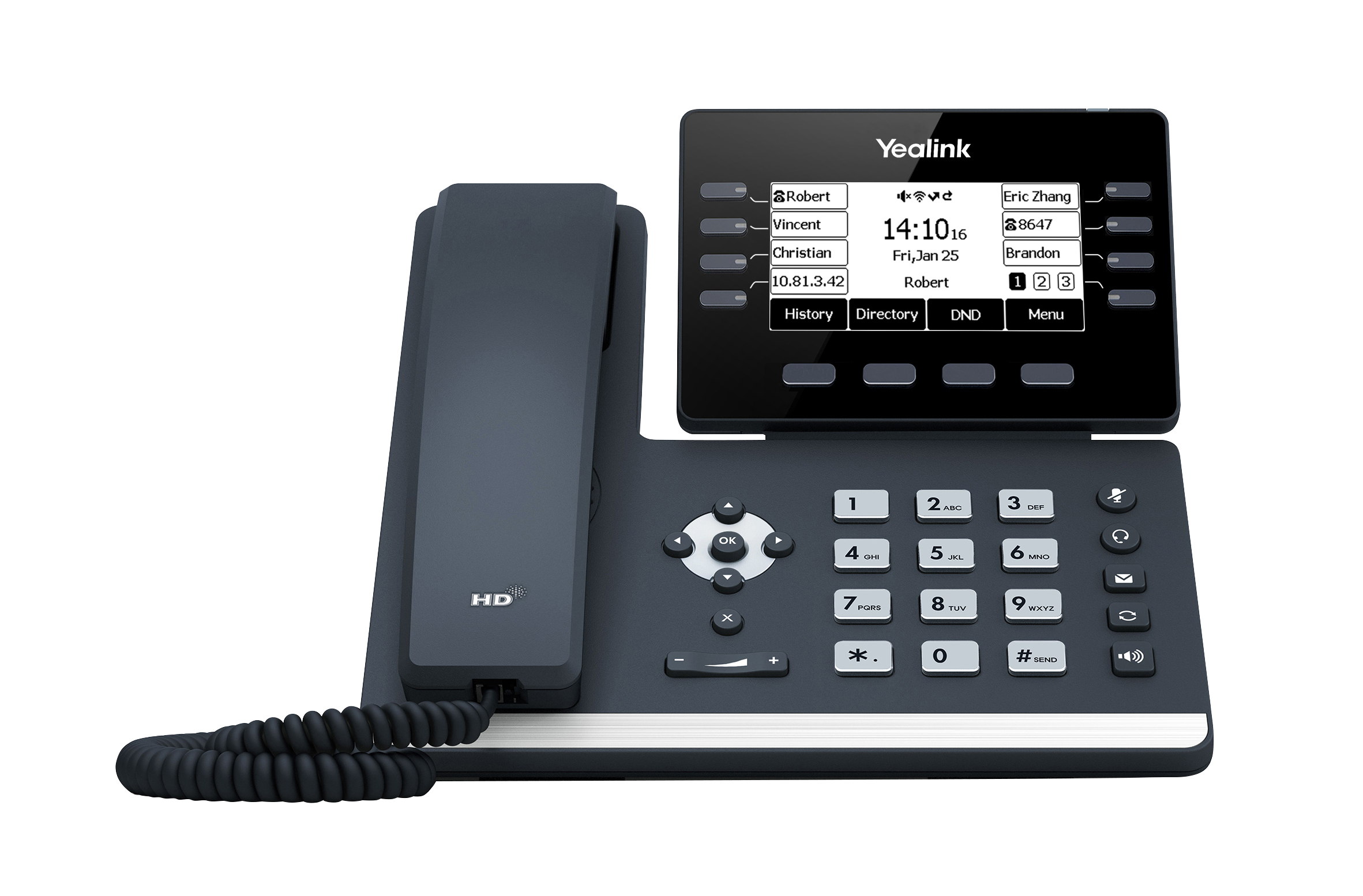
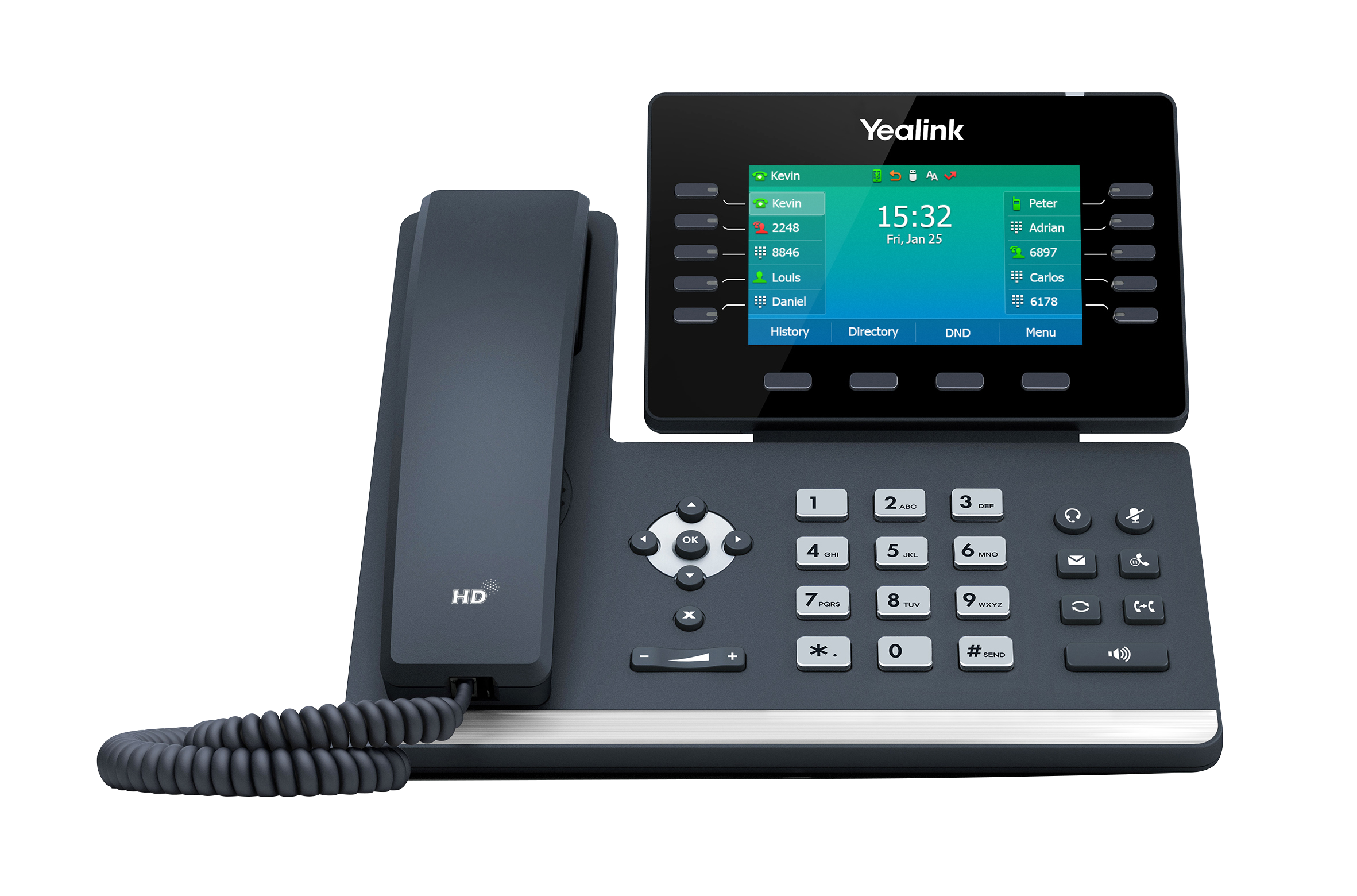
We’ve just launched two new additions to Yealink’s T5 series! The new T53W and T54W offer inbuilt WiFi and Bluetooth support without the need for additional dongles. They also offer users a future-proof device with an extensive range of advanced features.
Yealink T53W
3.7″ graphical LCD display
Supports the use of 1 EXP50 expansion module
Supports up to 12 SIP accounts
Yealink T54W
4.3″ colour LCD display
Supports the use of 3 EXP50 expansion modules
Supports up to 16 SIP accounts
We’re thrilled to have been shortlisted for 2 awards in this year’s Comms Business Awards! Now in its 15th year, the Comms Business awards has continually rewarded forward thinking and progressive Channel businesses and have since become one of the industry’s most prestigious awards.
The awards we have been shortlisted for include Comms Distributor and Specialist Vendor for our reseller portal, ProSys, both of which can be attributed to the outstanding efforts of the entire ProVu team. We look forward to attending the awards ceremony in London on the 20th June where the winners will be revealed.
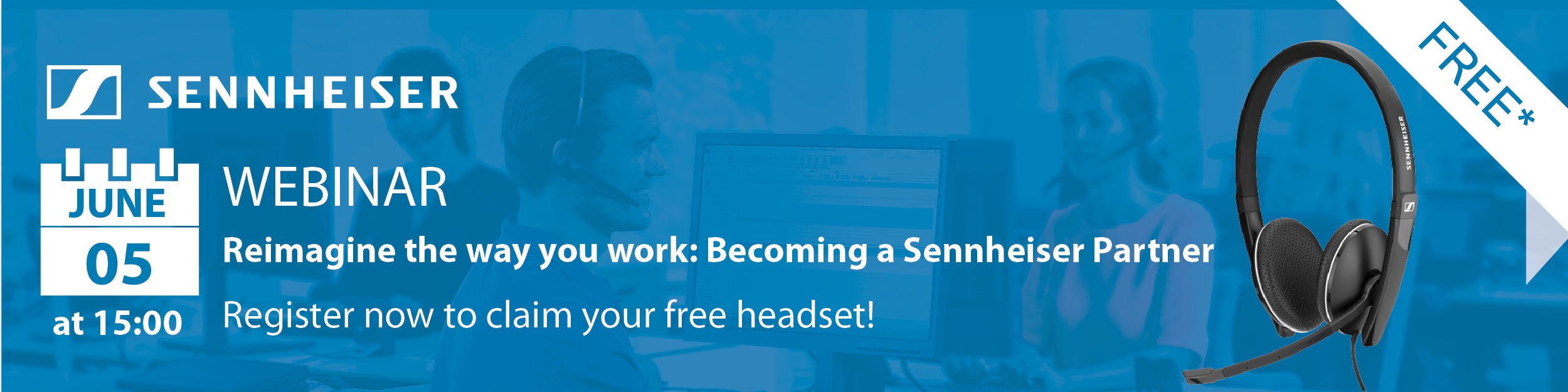
ProVu resellers are invited to join us for our upcoming webinar on Wednesday 5th June at 3pm when we will be joined by Sennheiser to take a look into the opportunities headsets offer to you and your partners, the USPs of some of their key devices and how through Sennheiser’s reseller program you can grow your business and protect your sales. What’s more, attendees can also claim a FREE* SC165 headset!
Whether you’re already a Sennheiser reseller or simply interested in finding out more, this short webinar is ideal for anyone looking to explore the Sennheiser-ProVu offering.
*Free headsets are limited to one per company, in order to receive your free headset you must attend the webinar and will need to meet one of the following requirements:
New resellers – following the webinar you will be required to sign up to become and authorised Sennheiser reseller within one month.
Existing Sennheiser resellers – simply place an order for at least one Sennheiser headset with ProVu within one month of the webinar and receive an SC165 for free.
As part of their Global Roadshow Series, Yealink are heading to the UK later this month and ProVu resellers are invited! With a choice of 2 locations, these events will explore Yealink’s latest innovations and provide first-hand information on their market vision, Channel strategies and the beneficial programs Yealink offer to support our resellers’ business. What’s more, attendees can also enjoy an exhilarating driving experience while catching up with members of the ProVu team and fellow resellers.
Simply select your preferred location and register below to reserve your free place.
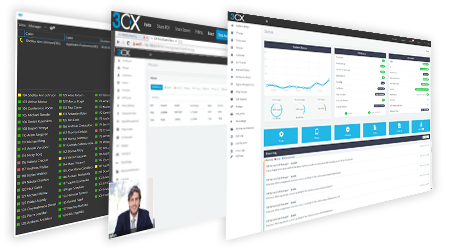
We’re delighted to be hosting our first 3CX advanced training course on the 4th June at our offices in Huddersfield, West Yorkshire. Suitable for those looking to develop their knowledge, the advanced course is the highest level of 3CX’s training and covers the advanced settings of 3CX.
Register now to reserve your free space on this accredited full day course.
Please note; there are no entry requirements to attend this course, although we would expect attendees to be familiar with 3CX. In order to sit the advanced exam you will be required to complete the basic and intermediate certifications if you haven’t already done so.
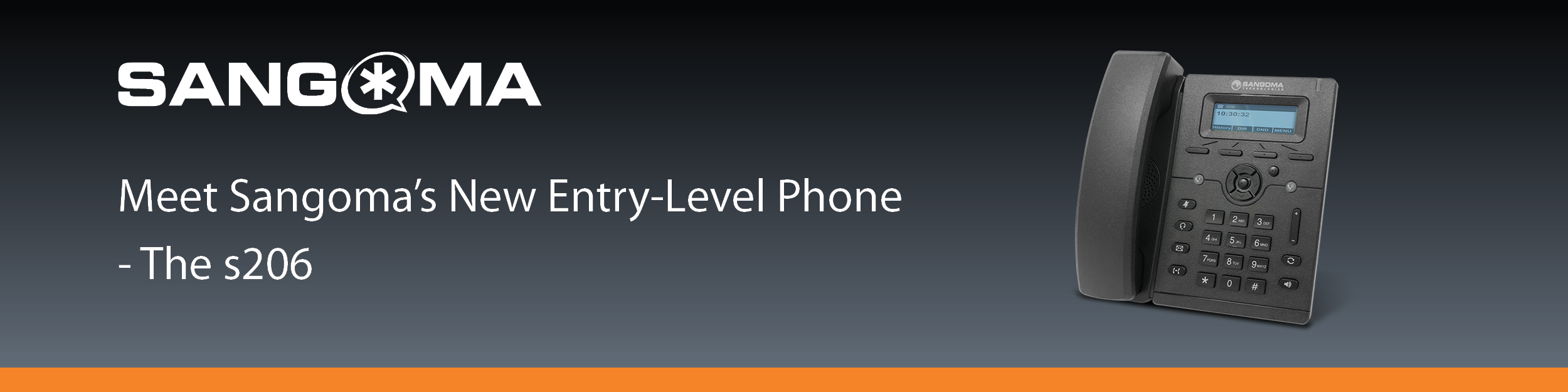
The new Sangoma s206 IP desk phone is now in stock and available to purchase from ProVu. As the direct replacement for the s205, this new phone offers an enhanced device with support for 2 SIP accounts and an upgraded processor with OPUS codec support.
What’s more, Sangoma IP phones can be quickly and easily set-up to work out-of-the-box when used with FreePBX and PBXact UC systems. The redirection server automatically points the phones to the Sangoma FreePBX and PBXact UC system for configuration, enabling you to easily control phone settings through Sangoma’s Endpoint Manager software, which is automatically enabled when using any of Sangoma’s VoIP phones.
Why expand your portfolio to IP paging and alerting?
It’s easy! If you’re already selling IP handsets this is a great way for you to expand and offer your customer a broader solution. With everything running on VoIP, the set up is simple and all configurable remotely through a web interface.
Within the Algo range you have IP alerters which can be used as loud ringers, security and notification alerting. Whatever the site, whether it’s a warehouse, retail, education or even outdoors, Algo has a speaker designed for you. From a standard small indoor loud ringer, to an IP66 rated horn speaker or even a discretely designed ceiling speaker, here you will find something to suit your requirements.
If you are looking for an alerting device but don’t want audio you can make use of Algo’s visual alerter which is provided with various colour options, multiple flash patterns and intensity levels all of which are designed to give you the flexibility you need to make your solution just right.
Algo’s IP paging solution is also just as simple, sitting between your platform/PBX and speakers, the paging adaptor acts as its own little server. You have the functionality to schedule announcements, play music, make emergency announcements and more.
In addition, Algo’s paging solution enables the transformation of existing analogue systems into an IP paging solution. Simply keep the existing amps and speakers and use the IP paging adaptor to speak to the PBX. With the added flexibility of being able to accommodate zoned paging, you should find you’ve got all options here to put together the solution you need.
We recently conducted a webinar discussing Algo’s IP Paging and Alerting Solutions. If you missed out on the day, not to worry, you can catch up on the recording below.
Getting Started…
Thinking of putting together a solution like this but not sure where to start? Speak to our technical sales engineers who will help you to plan your solution from start to finish.
ProVu can also arrange to offer remote configuration support during your installation. Speak to our sales team on 01484 840048 or email contact@provu.co.uk to find out more.